Design + build
Zakonnik BY
RAG over Belarusian law · Telegram, StepFun
A legal AI assistant answering questions about Belarusian law in plain language, with citations back to the original source articles.
View case study →AI tools get tested here in real workflows. The ones that survive become systems that ship.
Work, study, everyday life, small-team workflows — from a simple no-code experiment to a RAG assistant or an agent-driven automation.
The main focus is helping organizations introduce AI into real workflows — RAG assistants, agents, automation inside Microsoft 365 and the Power Platform. The personal, everyday side stays part of the work: research, writing, learning, and experiments that start small.
RAG assistants, AI agents and practical AI tools built around real workflows.
Helping teams use AI inside the tools and processes they already have.
Research, writing, learning and other practical uses of AI outside formal business workflows.
Right now: testing n8n against Power Automate for a client workflow, three chapters into a legal-AI rebuild, and still not sure if Lovable or Replit wins for quick prototypes. Ask me next month, the answer will be different.
Independent GenAI specialist, based in Belarus. AI tools get tested here in real workflows — research, content, automation, AI adoption and small-team systems — and the ones that hold up become practical systems: RAG assistants, AI agents and workflow automation.
Most of the people I talk to feel behind on AI and don't know where to start — a small team, or just themselves. The gap is never the model. It's the distance between what a tool can do and what someone can actually do with it.

Hi! I'm Tory. Most days go into testing AI tools across content, education and research, then turning the ones that actually hold up into systems people use daily. Current home base is the Microsoft ecosystem — SharePoint, Power Apps, Power Automate, Copilot, AI Builder — with agent-driven workflows built in Microsoft Copilot Studio and n8n, helping a team adopt AI without disrupting the tools they already know.
The work runs across a spectrum — from figuring out how AI fits into a single task to assembling more complex systems for a team.
Document-grounded assistants: retrieval that keeps answers tied to a real source, with citations a person can open and check.
Agent-driven workflows built with Microsoft Copilot Studio, n8n and Power Automate — especially where AI needs to work inside an existing workflow rather than beside it.
Internal tools, prompt systems and no-code builds that a small team can actually maintain without a developer on staff.
Production software written from scratch isn't the work. Tools get tested fast, judged on how they fit together, and assembled into something that runs. Everything below is built, documented and versioned in the open.
See the code → github.com/torykovdyaChatGPT · Claude · Gemini · Perplexity
AI assistants, research, experimentation and everyday workflows.
Microsoft Copilot Studio · n8n · Power Automate
AI agents, workflows and automation inside the tools a team already uses.
Cursor · Lovable · Replit
Rapid prototyping, no-code and AI-assisted development.
RAG · document-based AI assistants
Retrieval over real documents, so answers stay anchored to a source instead of improvised.
RAG over Belarusian law · Telegram, StepFun
A legal AI assistant answering questions about Belarusian law in plain language, with citations back to the original source articles.
View case study →
Curriculum-aligned content generation · Built on NotebookLM
An AI-powered educational content system that turns approved Belarusian school programs into lessons, presentations, workbooks and podcast-style audio.
View case study →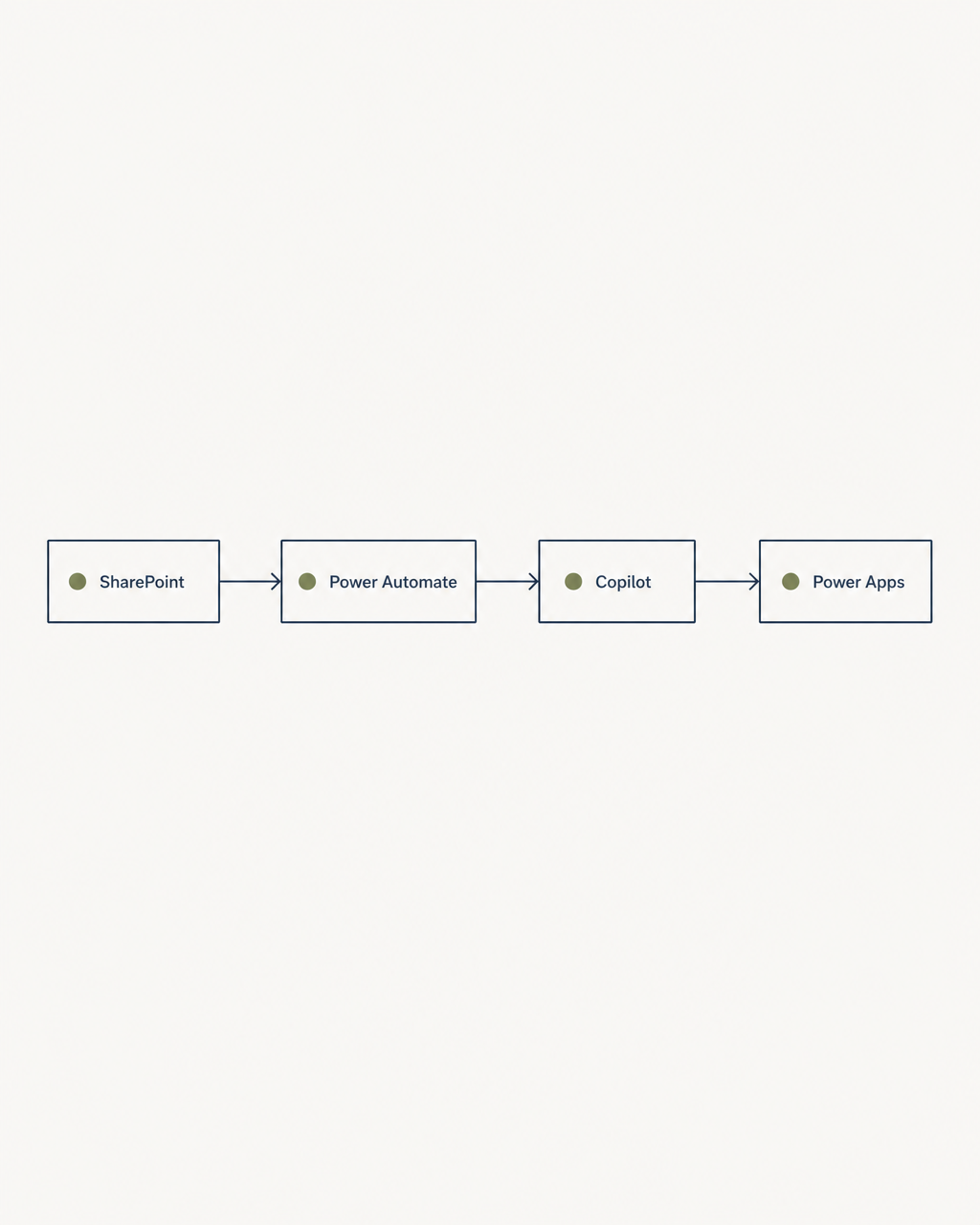
SharePoint, Power Apps, Power Automate, Copilot, AI Builder
Ongoing work helping a team adopt AI inside the tools they already use daily, instead of introducing a new system to learn from zero.
View case study →
Booking-flow analysis for a high-demand clinic
A system design exercise analysing the booking flow of a high-demand neurology centre. Not a production system — a demonstration of how I approach operational problems.
View case study →I write about AI systems, experiments, failures, and the practical decisions behind the tools I build.
Published on dev.to
A neurology clinic's overloaded booking system, three wrong designs before the right one, and what changed when an AI model was asked to find the person each design forgot.
Published on dev.to
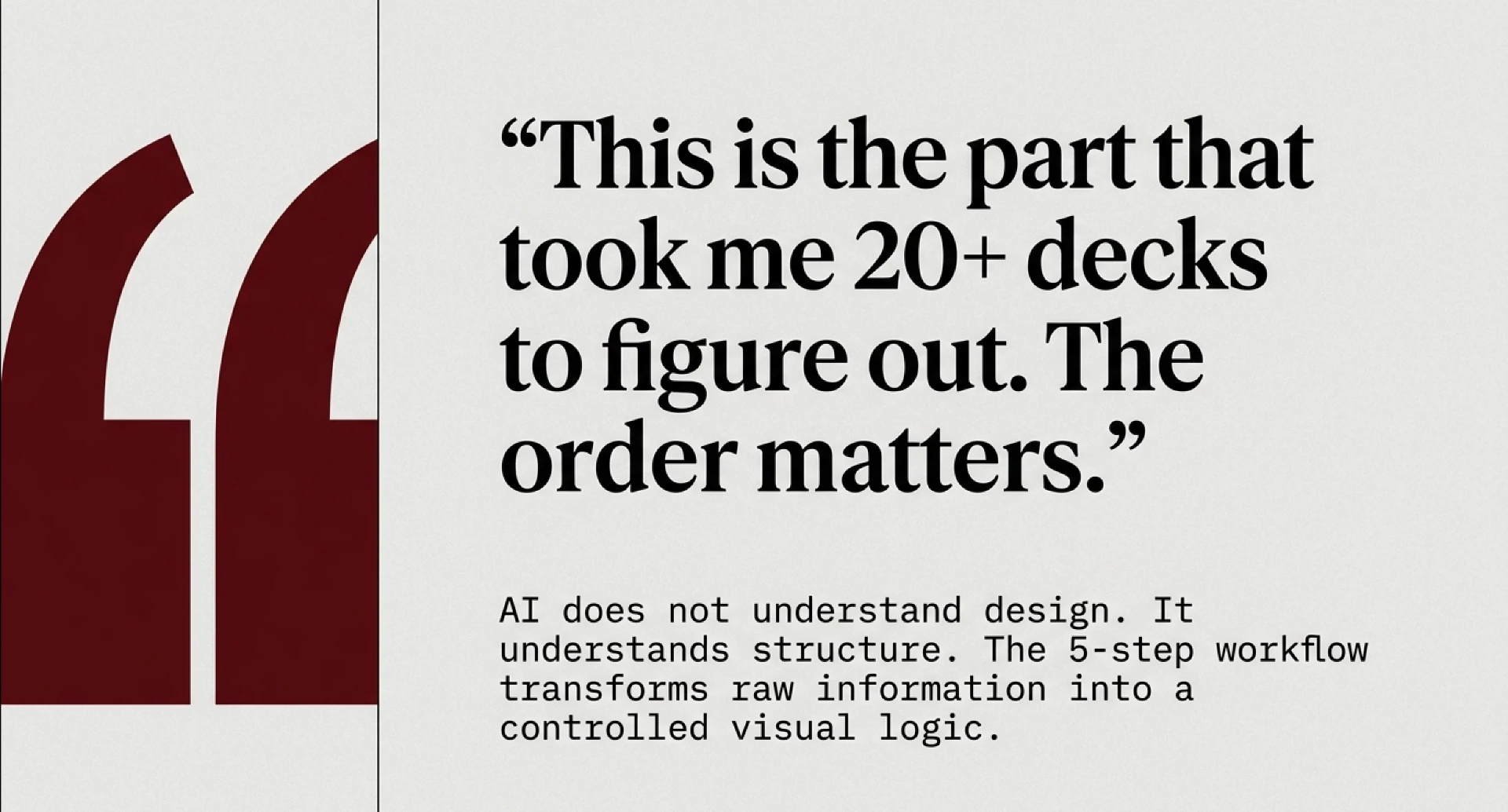
Why NotebookLM still beats paid design tools for pitch decks, and the 5-step workflow (including the actual prompt) used to build a real legal-tech deck in 25 minutes.
Published on dev.to
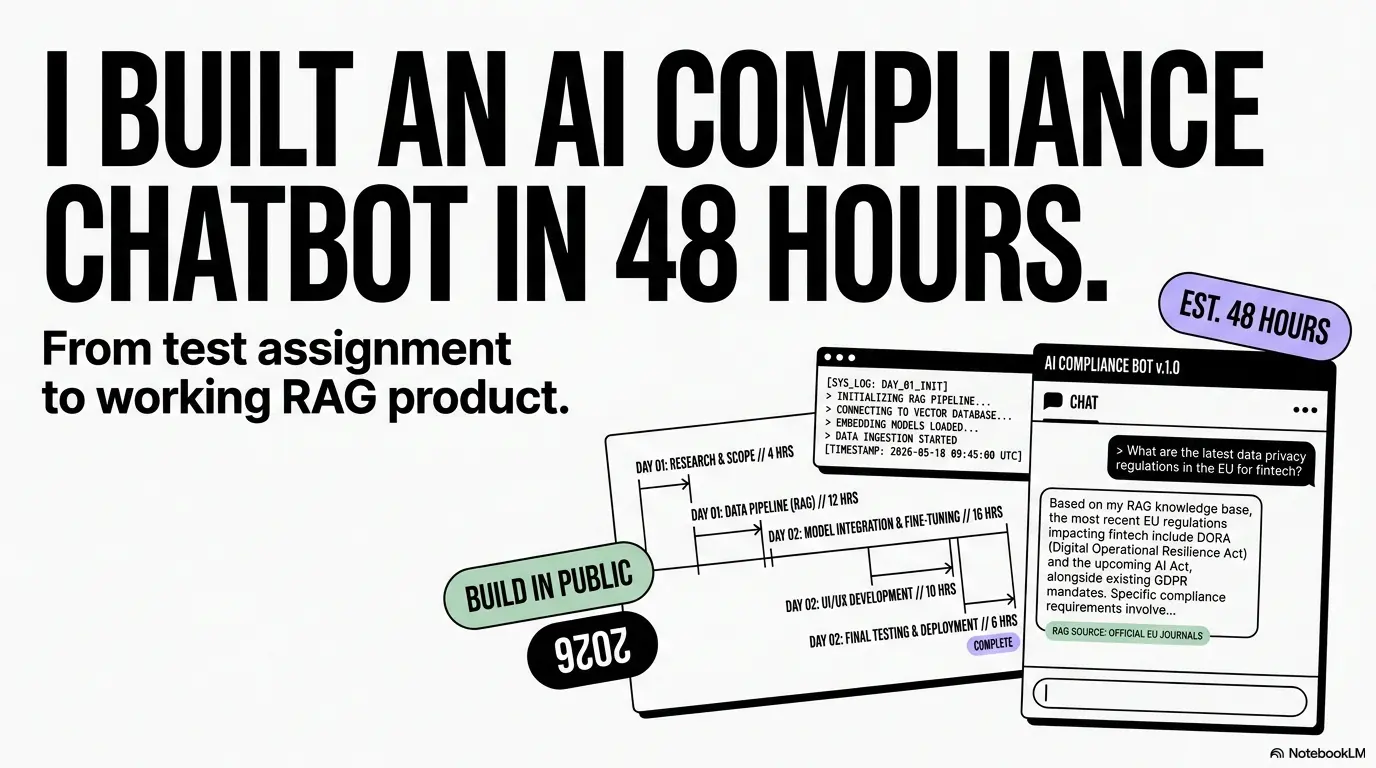
A raw, three-day build log of ComplianceGPT — race conditions, a broken embeddings API, and the fixes that turned a prototype into something that actually holds up.

Published on dev.to
A cost breakdown across 24 AI video platforms — real per-video pricing, hidden licensing traps, and why 'free AI video' is a myth once you account for failed attempts.
Map the manual work first. Find out where the time actually goes before touching any tool.
Build the smallest working version and test it against real inputs, not sample data.
Put it into production with logging, clear checks, and a human still in the loop.
Measure what works, cut what doesn't, and document what I learned — including the dead ends — in public.
AI tools get tested in real workflows — everyday tasks, study, research, and the messy parts of small-team work. The ones that hold up become practical systems: assistants, automations and retrieval-based tools. Everything from a simple no-code experiment to a RAG system or an agent-driven workflow.
Mostly three kinds. Document-grounded assistants built on RAG, where answers stay tied to a real source. Workflow automation and AI agents — intake, triage, drafting, publishing and reporting, including inside Microsoft 365 and the Power Platform. And small no-code tools that a team can keep running without a developer on staff.
Day to day: ChatGPT, Claude, Gemini and Perplexity for research and drafting. For agents and automation — Microsoft Copilot Studio, n8n and Power Automate, plus AI Builder inside the Power Platform. For building fast — Cursor, Lovable and Replit. NotebookLM sits in the middle of the document-grounded work.
Yes — that's the point. Most people I talk to have tried ChatGPT a few times and aren't sure how it fits into their actual work. We start from one real task, use tools they already have, and end with something they can run themselves.
I work with teams and organizations that want to introduce AI into existing workflows without turning the whole process upside down. That can mean AI adoption inside Microsoft 365, workflow automation, document-grounded assistants, or a smaller experiment to figure out what is actually worth building. I also work with individuals when the problem is practical and well-defined.
Not in the traditional sense — production software written from scratch isn't the work. It's orchestration, retrieval design, prompt systems and automation, assembled from AI tools and no-code platforms into something that actually runs.
Working ones, yes. Zakonnik BY runs as a Telegram legal assistant with retrieval, prompt layer and citation handling built end to end, and Валошкі.by publishes curriculum-aligned materials as a running content system. The Healthcare Appointment System is a system design exercise, not a deployed product, and no operational metrics are claimed for it.
AI can be useful for much more than chat and content generation — research, studying, repetitive work, document-heavy tasks, internal workflows, writing, planning and small-team automation. The useful part is figuring out where it actually saves time or makes something easier.
A system built to order, or advice on how to start. Tell me the manual work you want gone.